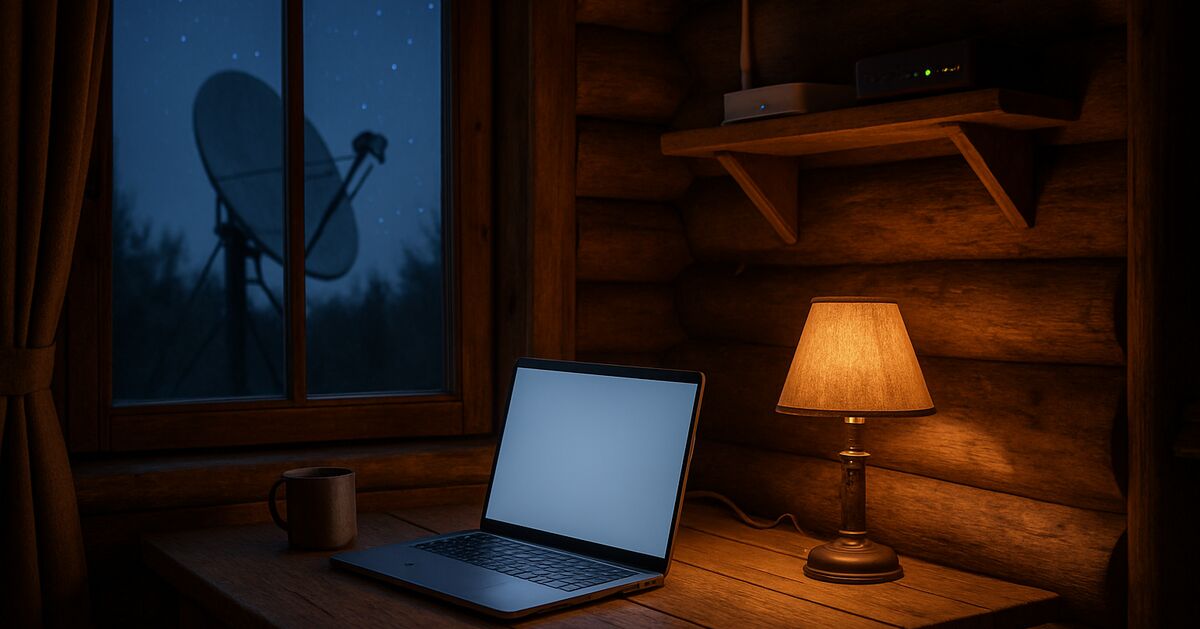
Moving off-grid does not make you invisible online. If anything, the opposite is often true. A single Starlink dish or cell booster serving one household is a much cleaner data source than a house lost in the noise of a city block full of shared connections. Your internet provider, your DNS resolver, and every app on your phone can still build a detailed picture of who you are and where you are, even when your mailing address is a P.O. box three towns over.
I've spent a lot of time thinking about this because privacy is usually a big part of why people move off-grid in the first place. But the physical isolation only solves half the problem. The other half is the invisible layer of metadata that leaks out of every device connected to that satellite dish or booster, whether you're aware of it or not.
This isn't a paranoid deep-dive into anonymous operating systems or burner phones. It's a practical look at the handful of things that actually matter for someone living remotely who wants their digital life to be as private as their physical one.
Why off-grid internet is actually easier to profile, not harder
In a city, your traffic mixes with thousands of other households on the same ISP node. Off-grid, especially with satellite internet, you're often the only customer on that connection for miles. If you've read my piece on Starlink for off-grid internet, you know the hardware itself phones home for diagnostics and telemetry. That's normal for any modern internet service, but it means the account tied to your dish is a very clean, isolated data point. There's no ambiguity about whose traffic is whose.
Cell-based setups have a similar issue. If you've had to boost a weak cell signal to get a usable connection, that booster is tied to a specific SIM, a specific tower, and a specific billing address. Cell tower records can reveal location, and in rural areas with few towers your connection is tied to a small set of towers, which narrows the possible area rather than widening it.
None of this means off-grid internet is a bad idea. It means you have to be deliberate about what runs on top of that connection.
DNS is the leak most people never think about
Every time a device on your network looks up a website, it sends a DNS query, basically asking "what's the address for this name?" By default, that query goes to whatever DNS server your router or ISP hands you, often unencrypted, often logged.
Your DNS provider sees a running list of literally every domain every device in your house visits, all day, every day, whether that's your bank, your kid's homeschool curriculum site, a firearms retailer, or a forum for people planning to leave the country. That list is a more complete behavioral profile than it appears at first glance.
The fix is not complicated:
Switch your router's DNS to a provider that publishes a clear no-logging policy and supports encrypted DNS (DNS over HTTPS or DNS over TLS). Cloudflare's 1.1.1.1, Quad9, and NextDNS are common, well-documented options.
Set the encrypted DNS at the router level, not just on one device, so every phone, laptop, and tablet on the network is covered without you having to configure each one individually.
Turn off "DNS over HTTPS in browser only" settings if you've already set it at the router, since having both can create weird inconsistencies and sometimes bypasses your router-level protection entirely.
If you're already comfortable working inside your router's settings from wiring your own network gear, this is a five-minute change with an outsized payoff.
VPNs: what they actually hide, and what they don't
A VPN encrypts your traffic between your device and the VPN provider's server, and it hides your traffic from your ISP or satellite provider. That's genuinely useful when your only internet option is a single satellite company or cell carrier that otherwise sees everything.
But a VPN is not a magic invisibility cloak, and it's worth being honest about its limits:
It shifts trust from your ISP to your VPN provider. Whoever runs that VPN can, in theory, see the same traffic your ISP used to see. Pick a provider with a real, independently audited no-logs policy, not just a marketing claim.
It does nothing about the accounts you're logged into. If you're logged into a Google account or social media app, that company still knows it's you, VPN or not.
Be cautious with free VPNs, since running VPN infrastructure costs money and a free service has to fund itself somehow, which may mean ads or data sales.
Satellite internet has real latency, and adding a VPN on top adds a bit more. For most browsing this is unnoticeable, but for video calls it can matter.
For someone off-grid, a paid VPN with a solid reputation is a reasonable, low-effort layer that closes the biggest gap, which is your ISP or satellite provider building a browsing history tied to a static account and a known physical service location.
Your smart devices are talking more than you think
If you've brought solar monitoring apps, smart inverters, security cameras, or even a smart thermostat into your off-grid setup, each one is a small, independent data leak. Many of these devices phone home to manufacturer servers by default, reporting usage patterns, and sometimes location, on a schedule you didn't set and can't easily see.
This matters more off-grid than in town, because your load profile itself is informative. A solar monitoring app showing consistent daily battery drain patterns, when cross-referenced with weather data for your general region, can actually help narrow down your location even without GPS data, since it reflects your specific latitude and panel orientation. That's a fairly technical attack and not a typical threat model, but it illustrates the general point: every internet-connected device is a small antenna broadcasting something about your life.
Practical steps that don't require ripping out your gear:
Put IoT devices (cameras, smart inverters, monitoring gear) on a separate network or VLAN from your main devices, so a compromised smart plug can't see your laptop traffic.
Check whether device apps offer a local-only mode that skips cloud reporting. Many solar controllers and battery monitors do, you just have to dig into settings.
Review what each device's privacy policy actually says it collects. These often go unread, and the policies themselves can be shockingly broad.
Satellite phones and messengers have their own rules
If your setup includes a satellite messenger or sat phone for emergencies, check its documentation, since location reporting is often part of how the device works and that data is held by the provider under its own retention policy. This is a reasonable tradeoff for safety when you're hours from help, which I've written about when it comes to treating serious injuries when nobody's coming quickly. Just go in with clear eyes about what you're trading. Safety and privacy pull in different directions here, and that's fine, as long as it's a choice you're actually making rather than something you never thought about.
Passwords, backups, and the boring stuff that actually matters most
It's tempting to focus on exotic threats, satellite surveillance, sophisticated traffic analysis, but the failures I'd worry about first are mundane: reused passwords, no two-factor authentication, and unencrypted backups sitting on a laptop that could be stolen during a break-in while you're away hauling supplies.
A few unglamorous habits do more good than any VPN:
Use a password manager and unique passwords for every account. If your email password is compromised in some unrelated data breach, you don't want that same password unlocking your bank, your land trust documents, and your satellite internet account.
Turn on two-factor authentication everywhere it's offered, ideally using an authenticator app rather than SMS, since SMS-based codes can be intercepted or redirected more easily, and cell service off-grid is often spotty anyway.
Encrypt your laptop's hard drive. Windows and Mac both include full-disk encryption tools, BitLocker and FileVault, though availability can depend on your edition and hardware, so check your settings.
Keep an offline backup of anything truly important, land deeds, financial records, insurance documents, on an encrypted external drive stored somewhere other than the main house. If you've thought through layered security for a remote property, extend that same layered thinking to your digital files.
Building a realistic privacy routine, not a paranoid one
The goal isn't to disappear from the internet entirely, which is neither realistic nor necessary for most threat models. The goal is to reduce the number of parties who have a detailed, easily searchable profile of your daily life, especially since that profile is unusually clean and easy to build when you're the only household on a rural connection.
A reasonable baseline for most off-grid households looks like this:
Encrypted DNS set at the router level, covering every device automatically.
A reputable, audited VPN for general browsing, especially over satellite.
IoT and monitoring devices isolated on their own network segment.
Two-factor authentication and a password manager for every important account.
Full-disk encryption on laptops and offline, encrypted backups of critical documents.
None of this requires exotic hardware or deep technical expertise. Most of it is configuration you do once and forget about. If you want a broader look at the physical and legal side of staying private after a move, that's covered in the companion piece on staying private after you move off-grid, which pairs well with the digital habits here since paperwork trails and data trails tend to feed each other.
Privacy off-grid isn't a single switch you flip. It's a handful of boring, durable habits layered on top of each other, the same way a solar system depends on properly sized wire and the right fuses rather than any single dramatic upgrade, something I get into in detail in the guide on wiring a solar system safely. Get the fundamentals right once, and you can stop thinking about them and go back to actually living the life you moved out here for.
If you're still working through the rest of your setup, the start here page collects my gear guides by category, and the full blog archive has the deeper dives on everything from water to heat to security. And if you've got a specific question about your own situation, the contact page reaches me directly.
Claim audit: 9 consequential claims checked against the article's sources; unsupported wording revised where it could not be substantiated.
Claim-by-claim audit (9 checked)
“Cell tower records can reveal location, and in rural areas with few towers your connection is tied to a small set of towers, which narrows the possible area rather than widening it…” (rewritten to what the article can stand behind)
“Your DNS provider sees a running list of literally every domain every device in your house visits, all day, every day, whether that's your bank, your kid's homeschool curriculum si…” (reasoning shown in the article)
“Be cautious with free VPNs, since running VPN infrastructure costs money and a free service has to fund itself somehow, which may mean ads or data sales.” (rewritten to what the article can stand behind)
“Many of these devices phone home to manufacturer servers by default, reporting usage patterns, and sometimes location, on a schedule you didn't set and can't easily see.” (cited → consumer.ftc.gov)
“A solar monitoring app showing consistent daily battery drain patterns, when cross-referenced with weather data for your general region, can actually help narrow down your location…” (reasoning shown in the article)
“If your setup includes a satellite messenger or sat phone for emergencies, check its documentation, since location reporting is often part of how the device works and that data is …” (rewritten to what the article can stand behind)
“It's tempting to focus on exotic threats, satellite surveillance, sophisticated traffic analysis, but the failures I'd worry about first are mundane: reused passwords, no two-facto…” (rewritten to what the article can stand behind)
“Turn on two-factor authentication everywhere it's offered, ideally using an authenticator app rather than SMS, since SMS-based codes can be intercepted or redirected more easily, a…” (reasoning shown in the article)
“Windows and Mac both include full-disk encryption tools, BitLocker and FileVault, though availability can depend on your edition and hardware, so check your settings.” (rewritten to what the article can stand behind)
Before you go
One useful off-grid email a week.
Practical gear rundowns, honest how-tos, and plain-English guides from someone doing the homework in the open.
I am building a place for off-grid people to swap real answers: a forum by topic, classifieds for gear and services, and real estate for off-grid land and homes. It is new, so the early members shape what it becomes. A free account lets you post in all three.
No ER ten minutes away means you have to be your own triage nurse. Here's how to tell a bad bee sting from the real emergency, and what to actually stock.
In many off-grid disasters, the fire or flood itself isn't the decisive factor, it's the hour you waited too long to leave. Here's how to set real, numeric triggers before you need them.
Tax sale and sheriff's auction land looks like a bargain, but redemption periods, hidden liens, and unseen parcels turn a lot of cheap acreage into an expensive lesson. Here's how to vet a listing before you bid.